



Rotate PDF pages
Upload PDF file and rotate the required pages.






Have you ever opened an important PDF document only to discover that some pages are upside down or rotated sideways? This is an annoying and common problem faced by students, office workers, lawyers, and freelancers alike. Scanning documents in a hurry often results in incorrect page orientation. Reading such content on a computer or phone screen becomes extremely inconvenient: you either have to physically tilt your head or look for ways to fix the file.
On this page, 24glo.com offers a simple, fast, and—most importantly—secure solution to this problem. Our “Rotate PDF” tool allows you to change the orientation of any pages in your document in just a few seconds. We have created a service that combines the convenience of online applications with the reliability and privacy of software installed on your computer.
Why choose 24glo.com for rotating PDFs?
There are many websites on the internet that offer PDF editing. However, our service stands out due to several key features that make it unique and максимально convenient for users.
1. Absolute security and privacy (No uploading to the internet)
This is our main advantage. Most online converters work as follows: you upload your file to their server, the server processes it, and then provides a download link. This creates a risk of confidential data leaks. Your personal information, contracts, financial reports, or scanned passports may remain on someone else’s server.
24glo.com works differently. We use modern web technologies (JavaScript and WebAssembly) that allow all file operations to be performed directly in your browser. When you select a file to rotate, it is not sent anywhere. Technically, your file never leaves your computer or smartphone. All the “magic” happens locally, using your device’s resources. This guarantees 100% confidentiality. You can safely work even with the most sensitive documents.
2. Works Offline
Since processing happens on your device, our tool does not require a constant internet connection to function. You can load the 24glo.com page at home or in the office, and then head to the airport, board a train, or go to a park with no Wi-Fi. The tool will continue to work! This makes our service ideal for travelers and anyone who often works on the go with unstable connectivity.
3. Completely free and no registration required
We believe that simple tools should be accessible to everyone. There are no hidden fees, subscriptions, or “premium accounts” for basic features. You don’t need to register, enter your email, create passwords, or confirm a phone number. Just visit the site and solve your task. We also do not add watermarks to your documents, preserving their professional appearance.
How it works: Step-by-step guide
The interface of our tool is designed to be intuitive even for users who are not very tech-savvy. Here’s how you can rotate pages in your PDF file in three simple steps:
Step 1: Upload the file
Click the file selection button or simply drag and drop your PDF document into the designated area on the screen (Drag & Drop). Our tool will instantly open the document. Since the file is not uploaded to a server, opening is almost instantaneous—even if the document is hundreds of megabytes in size.
Step 2: Select and rotate pages
After opening the file, you will see all pages of your document displayed as a convenient grid of thumbnails. This allows you to visually identify exactly which pages need correction. No more guessing by page numbers!
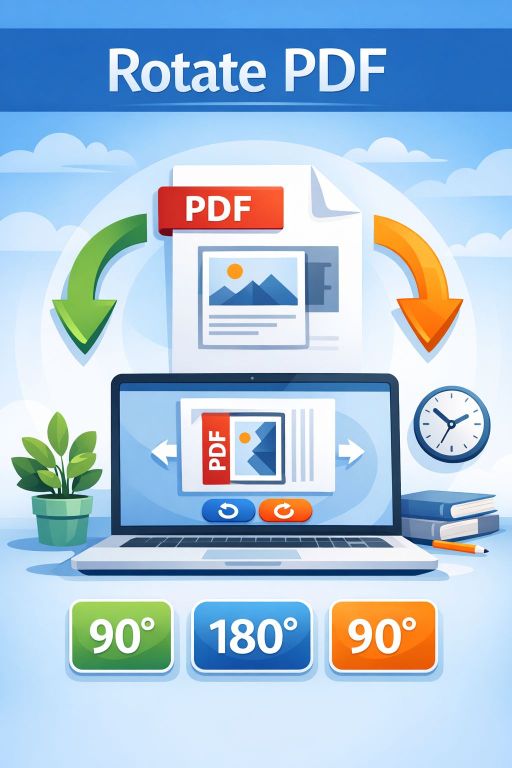
Under each page, there are rotation buttons: “↺” (rotate left / counterclockwise) and “↻” (rotate right / clockwise). You can rotate each page individually. For example, if only one page in a 50-page contract was scanned in landscape mode, you can fix just that page without affecting the others.
Bulk action buttons are also available: “Rotate all left” and “Rotate all right”. These are useful if the entire document was scanned with the wrong orientation.
Step 3: Save the result
Once you have finished editing and all pages are correctly oriented, simply click the “Save PDF” button. The browser will generate a new file with your changes and prompt you to save it to your device (computer, tablet, or phone). The original file remains untouched—you create a new, corrected copy.
When might you need to rotate a PDF?
There are countless situations where our service becomes indispensable. Here are just a few of them:
- Document scanning. During batch scanning, some pages may accidentally be fed into the scanner upside down or sideways. Rescanning the entire stack takes time; it’s much easier to rotate the problematic pages digitally.
- Working with drawings and schematics. Architects and engineers often combine text descriptions (portrait orientation) with wide drawings (landscape orientation) in a single file. For comfortable viewing, drawings need to be rotated horizontally.
- Merging different files. When compiling a report from multiple sources, some files may be in landscape orientation (e.g., PowerPoint presentations saved as PDFs) while others are in portrait. To make the final document look neat, they need to be standardized.
- Reading e-books and magazines. Sometimes downloaded books contain page spreads that are uncomfortable to read on a tablet or phone without rotation.
- Preparing documents for printing. Printers may incorrectly print pages with mixed orientations. Pre-rotating all pages to the correct position ensures proper printing.
Technical advantages and compatibility
Our 24glo.com service is built using advanced web standards, ensuring broad compatibility and high performance.
Cross-platform: The tool works on any operating system—Windows, macOS, Linux, Android, iOS. All you need is a modern web browser (Google Chrome, Mozilla Firefox, Safari, Microsoft Edge, Opera, or Yandex Browser).
No installation required: Forget about downloading and installing heavy programs like Adobe Acrobat Pro, which take up disk space and require expensive licenses. Our service is always at hand, requires no updates, and does not slow down your system.
Quality preservation: When rotating pages, we do not recompress the content of your document. Text, images, vector graphics, and links remain in their original quality. We only change the page metadata responsible for display orientation, ensuring perfect results.
Conclusion
The “Rotate PDF” service on 24glo.com is your reliable assistant for everyday document work. We have made a complex technical task simple and accessible to everyone. No more struggling to read rotated pages or spending hours searching for software to fix scanning mistakes.
Try it right now! Upload your file, fix page orientation in just a few clicks, and enjoy a perfectly formatted document. We value your time and your privacy, which is why we offer the best solution: free, secure, online, and offline.
24glo.com — Global solutions, Local security, Online services.